Smart Home Automation
Control4 Gold. Lutron Certified.
Structured Cabling & Wi-Fi
10Gb fiber. Enterprise WiFi 6E.
Video Surveillance
AI-powered. Cloud managed.
Audio & Video
Home theaters. Multi-room audio.
Gate Solutions
Automated entry. Smart access.
Landscape Lighting
Outdoor illumination. Smart control.
Commercial AV
Conference rooms. Digital signage.
Commercial IT
Business IT solutions. VoIP.
Enterprise Networking
Scalable infrastructure. Fiber.
Commercial Surveillance
Property security. AI analytics.
Managed IT Services
24/7 monitoring. Proactive care.







Any Source. Any Screen.
Watch anything on any TV in your home — cable, streaming, gaming, security cameras — all from a single centralized rack. No cable boxes in bedrooms. No HDMI tangles. Just pristine 4K on every display, controlled from one app.
One Rack. Every Screen.
Three pillars that eliminate cable box clutter and put any source on any display in your home.
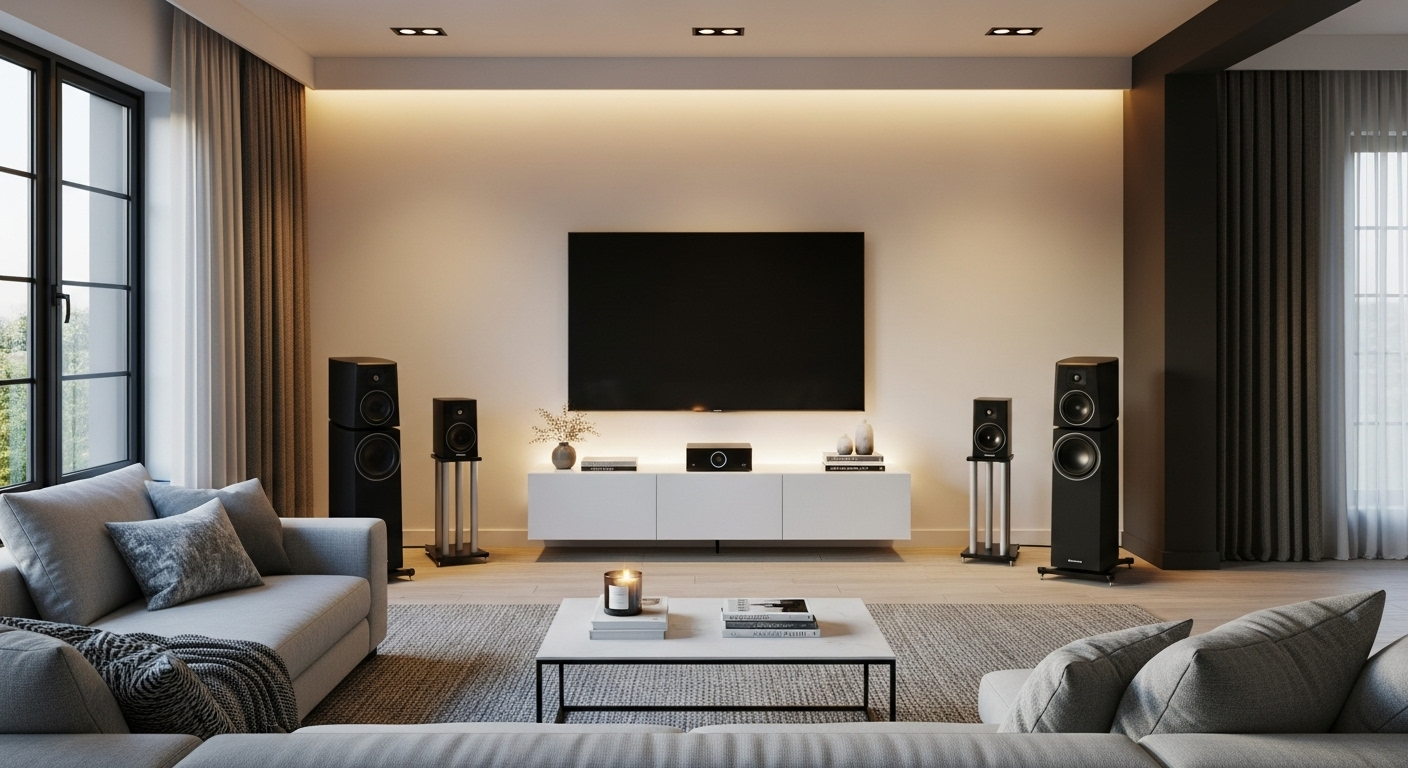
Centralized Sources, Zero Clutter
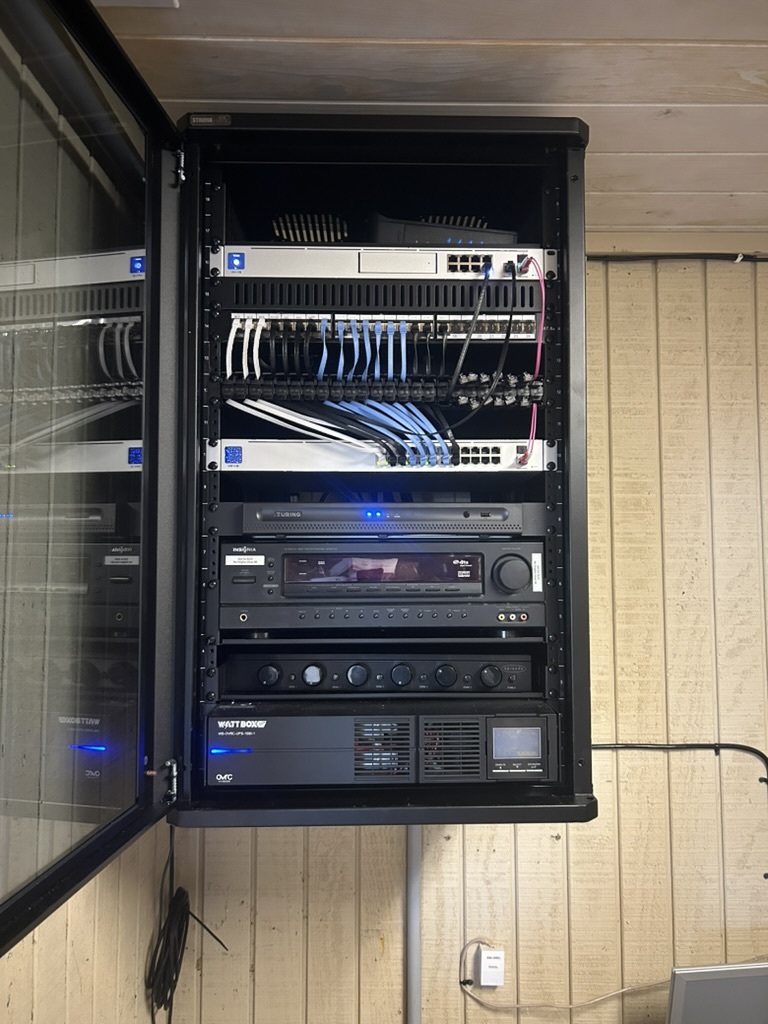
All your sources — cable boxes, Apple TVs, gaming consoles, Blu-ray players, security NVRs — live in a single ventilated equipment rack, typically in a utility closet or basement. Video is distributed to every display in your home over structured cabling using HDMI matrix switches or AV-over-IP encoders. No visible equipment. No cable tangles. No heat buildup behind your TVs.
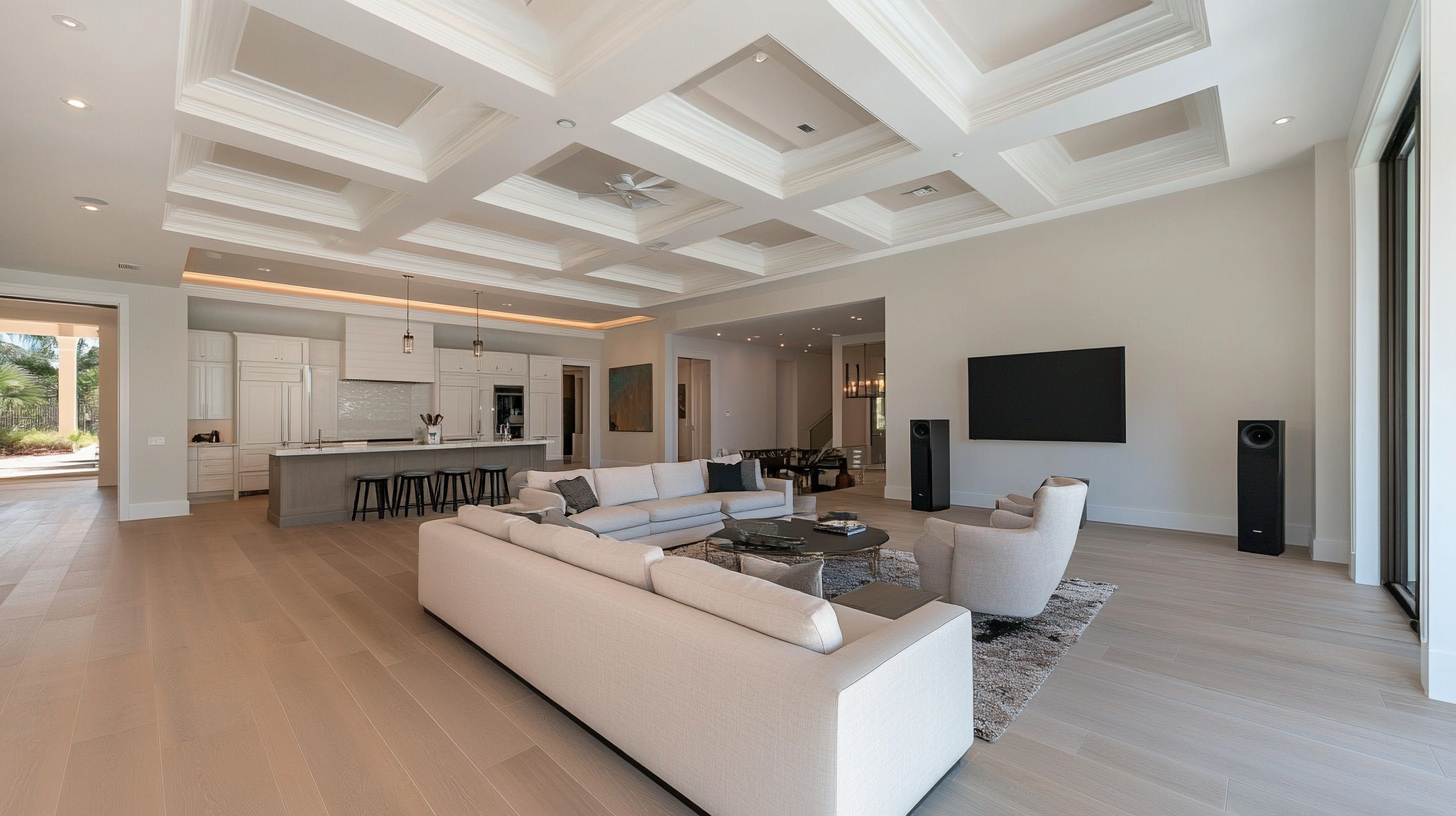
4K HDR on Every Display
Our video distribution systems pass full 4K resolution with HDR10, Dolby Vision, and HLG metadata intact — no signal degradation, no compression artifacts, no handshake failures. Whether it's a 65-inch OLED in the master bedroom or a weatherproof display on the patio, every screen receives a pristine, reference-quality picture from the centralized source rack.
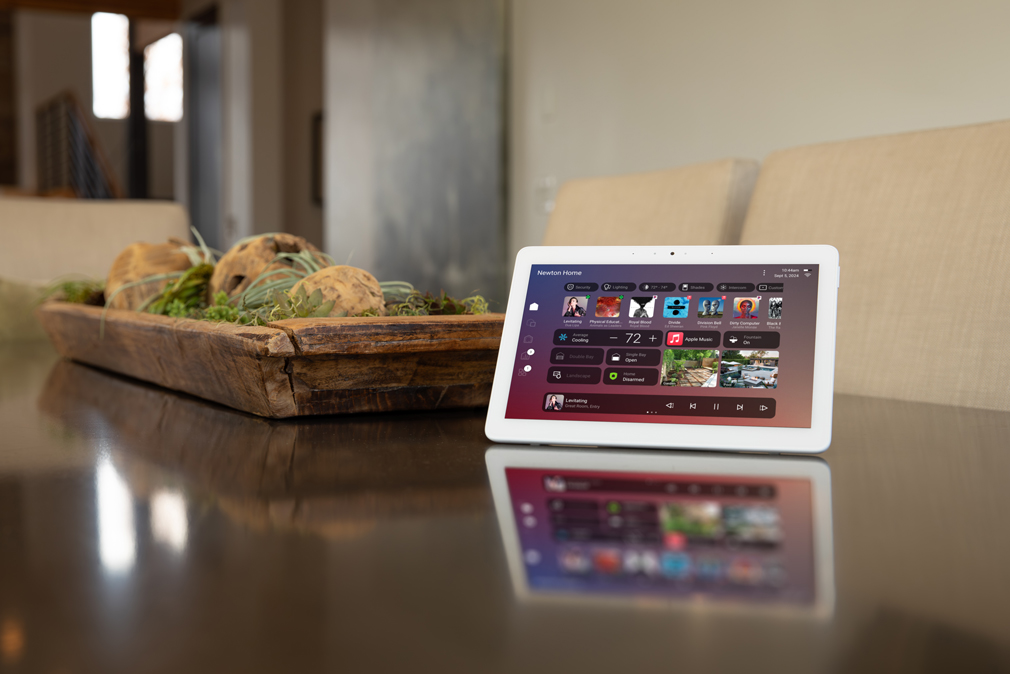
One Remote. One App. Total Control.
As a Control4 Gold Dealer, we integrate your entire video system into activity-based scenes. Press "Watch Cable in Kitchen" and the right source routes to the right display, the volume sets itself, and the TV powers on — all from one Control4 remote or the app on your phone. No input switching, no confusion, no training the babysitter on four different remotes.
Every Signal Delivered.
Network-Based Distribution, Unlimited Scale
AV-over-IP encodes video sources into network packets and distributes them over your existing structured cabling infrastructure. Unlike traditional matrix switches with fixed port counts, IP-based systems scale infinitely — add a new display, add an encoder/decoder pair. Perfect for large homes, multi-building estates, and commercial applications.
- 1Gb and 10Gb AV-over-IP with sub-frame latency for real-time viewing
- Unlimited source-to-display scaling — no fixed matrix port limits
- Full 4K60 4:4:4 with HDR pass-through on every endpoint
- Video wall support with bezel compensation and multi-view layouts
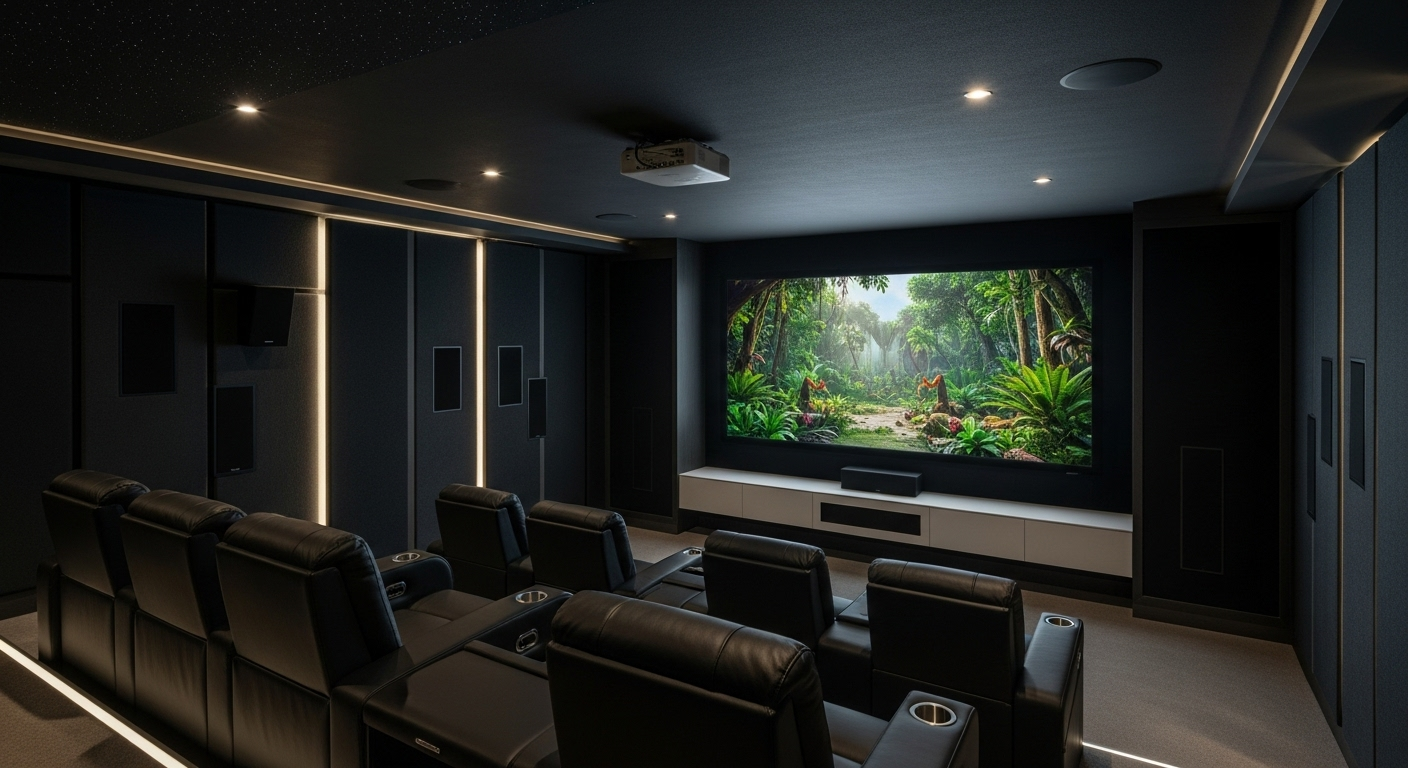
Dedicated Switching, Zero Latency
For homes with up to 8–16 displays, HDMI matrix switches provide the most reliable, lowest-latency video distribution available. A single matrix switch routes any source to any display instantly with zero compression and zero encoding delay — ideal for gaming, live sports, and real-time security feeds.
- 4K60 HDMI 2.0/2.1 matrix switches with HDCP 2.3 compliance
- True zero-latency switching for gaming and live content
- Audio de-embedding for independent audio zone routing
- Automatic EDID management to prevent handshake failures
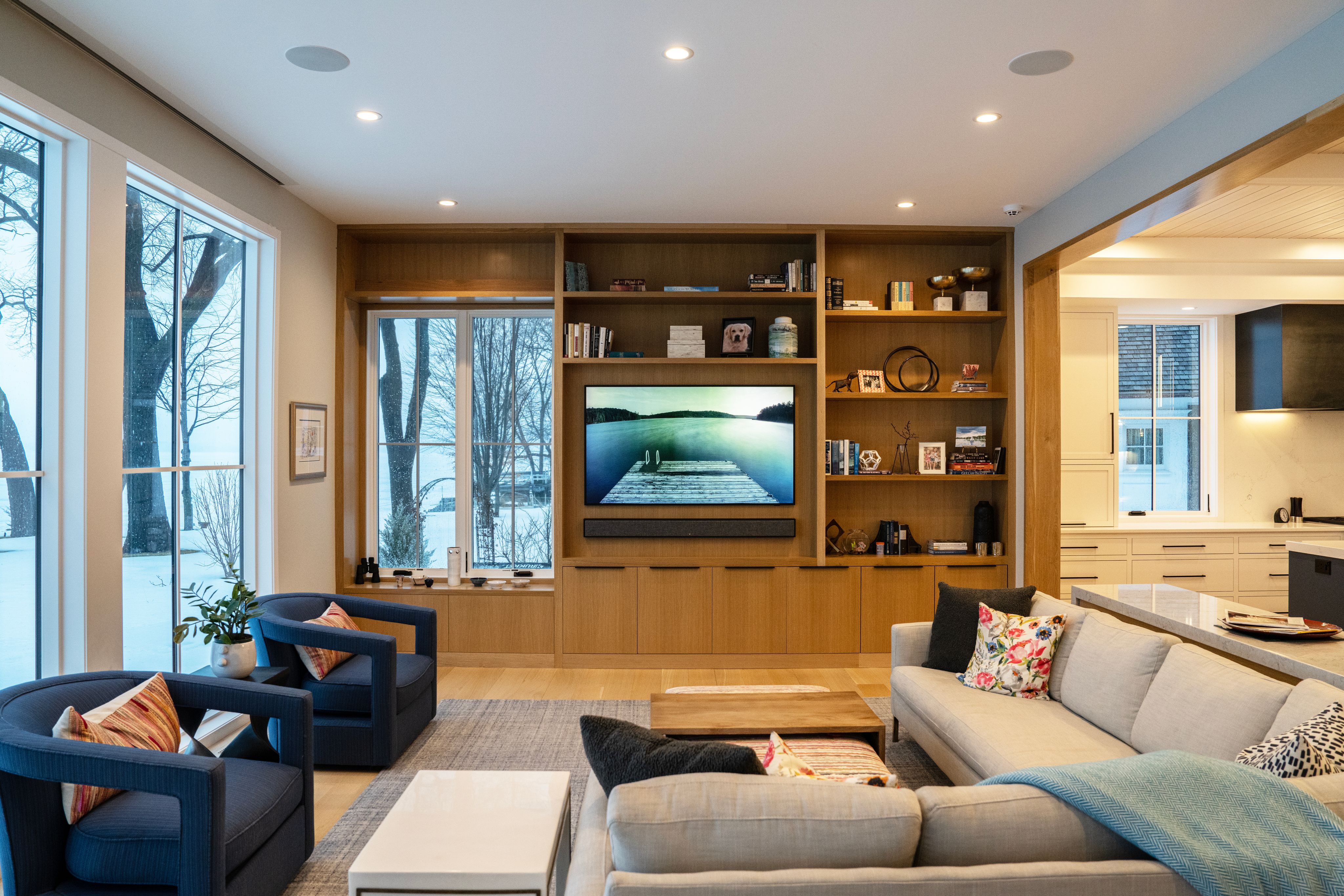
Every Screen, Perfectly Calibrated
We specify, mount, and calibrate every display in your system — from flush-mounted OLEDs in the living room to outdoor-rated 4K panels on the patio. Each display is color-calibrated to match, so content looks consistent as you walk from room to room. Future-ready for 8K when content arrives.
- Professional ISF display calibration for accurate color and brightness
- Flush-mount, articulating, ceiling, and outdoor mounting solutions
- 8K-ready infrastructure with HDMI 2.1 and fiber-optic cabling
- Outdoor displays rated IP65+ with anti-glare and thermal management
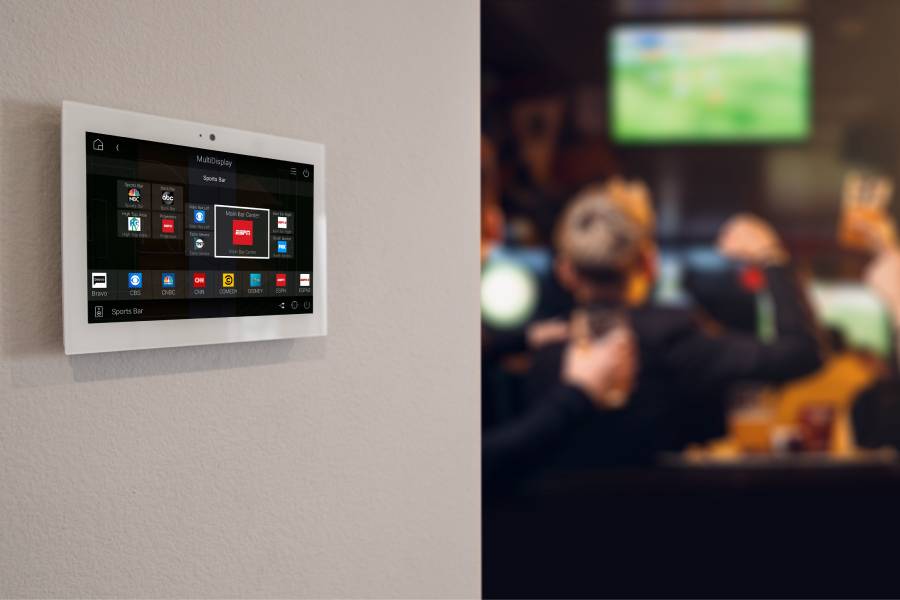
Activity Scenes, Not Input Numbers.
Control4 turns your complex video matrix into simple, one-tap activities. "Watch Netflix in Bedroom" routes the right source, powers the display, sets the volume, and adjusts the lights — all from the same app that controls your entire smart home . No HDMI input numbers, no source confusion, no learning curve for guests or family.
- One-tap activity scenes from Control4 remote, app, or voice command
- Follow-me video: content follows you from room to room seamlessly
- "All Off" command powers down every display and source in the house
- Guest mode with simplified interface for visitors and rental properties
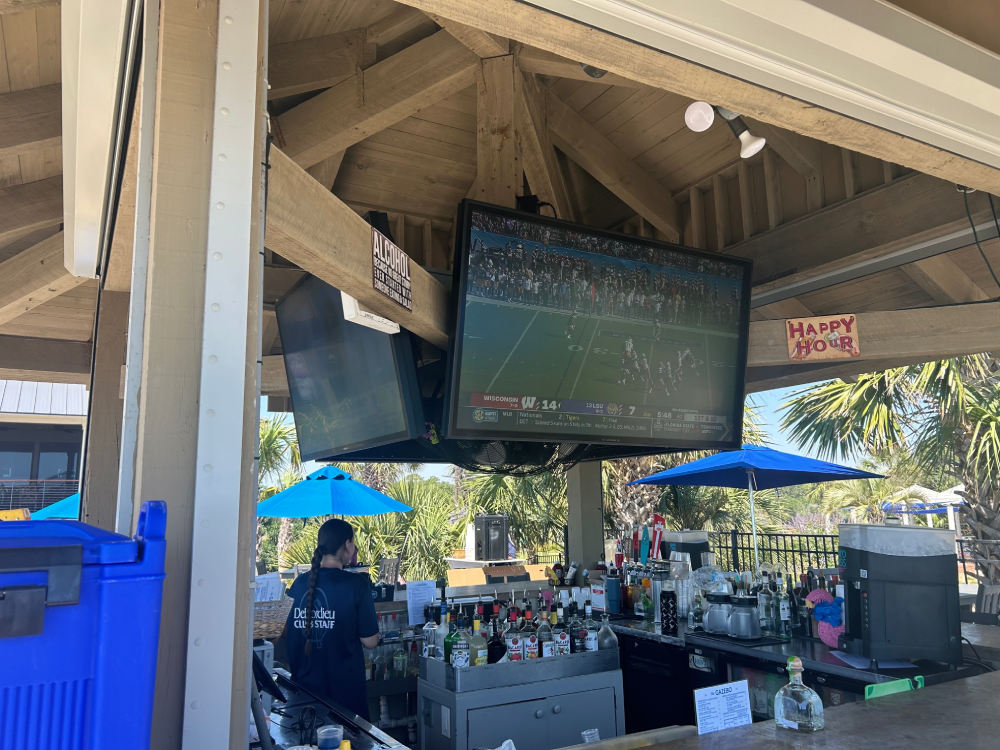
Beyond the Living Room, Beyond the Home
Our video distribution systems extend beyond residential interiors. We install weatherproof outdoor displays for patios, pool houses, and covered porches — all fed from the same centralized rack. For commercial clients, we design multi-zone video walls, digital signage networks, and bar/restaurant TV systems with independent source routing per display.
- SunBrite and Séura outdoor-rated 4K displays for full-sun environments
- Commercial video wall controllers with dynamic layout management
- Digital signage integration with scheduled content and live TV fallback
- Bar/restaurant mode: independent source per display with unified control
200+ Video Systems Built. Zero Compromises.
Video Engineering Expertise
We don't just install matrix switches — we engineer complete video ecosystems. Signal path design, EDID management, HDCP compliance, bandwidth calculations, and cable infrastructure are planned before a single wire is pulled. Our systems work reliably because they're designed by engineers, not salespeople.
Control4 Gold Dealer
As a Control4 Gold Dealer, we design and program the automation layer ourselves — the same team that designs your video matrix also programs your Control4 scenes. No third-party handoffs, no communication gaps. Your video system and control system are built as one unified platform.
200+ Video Distribution Installs
With over 200 video distribution systems installed across South Carolina — from 4-display condos to 30+ display luxury estates — we've solved every signal routing challenge, HDCP handshake issue, and multi-zone control scenario you can imagine. That experience translates to faster installs and fewer callbacks.
In-House Team, Start to Finish
Design, cabling, equipment installation, programming, calibration, and ongoing support — all handled by our in-house team. No subcontractors, no finger-pointing. One team owns your project from the initial consultation through final calibration and beyond.
Frequently Asked Questions
Your Screens Await. Let's Connect Them.
Schedule a free video distribution consultation. We'll assess your displays, sources, and control preferences — then design a system that puts any source on any screen, effortlessly.
(843) 286-5425