





How to Set Up Voice Control for Your Smart Kitchen Devices
If you've ever had your hands covered in flour and needed to set a timer, dim the lights, or turn on the exhaust fan, you already understand the appeal of a voice-controlled kitchen. At MK Technology, we design and install whole-home automation systems across the Lowcountry, and the kitchen is one of the rooms where voice control delivers the most everyday value. Below, we walk through what it takes to get your kitchen devices talking to Alexa, Google Assistant, or Siri, and how we make sure everything works together instead of as a pile of disconnected gadgets.
Why Voice Control Belongs in Your Kitchen
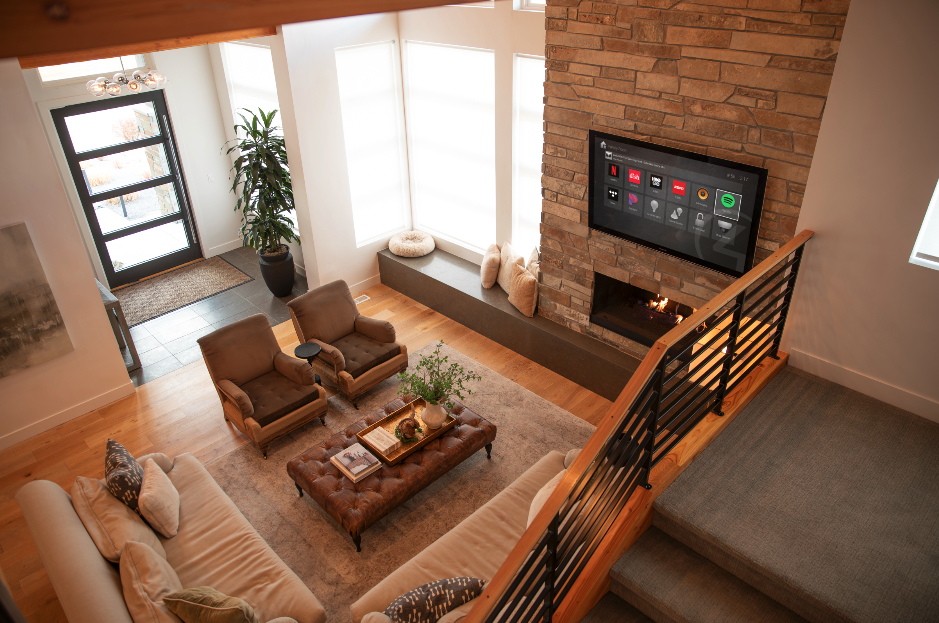
Cooking is a hands-busy, multitasking activity, which makes it one of the best use cases for voice automation in the entire home. Once your kitchen is set up correctly, you can ask your assistant to preheat the oven, start the coffee maker, adjust under-cabinet lighting, or play music while you cook, all without touching a single switch or screen. We build these systems so the experience feels effortless rather than gimmicky, with voice commands layered on top of a smart home foundation that's already coordinating your lighting, climate, and entertainment.
What You Need Before You Start
Before any voice assistant can control your kitchen, a few pieces need to be in place. We always start by evaluating these basics during a consultation:
A reliable Wi-Fi network that reaches every corner of the kitchen, including behind cabinetry and appliances
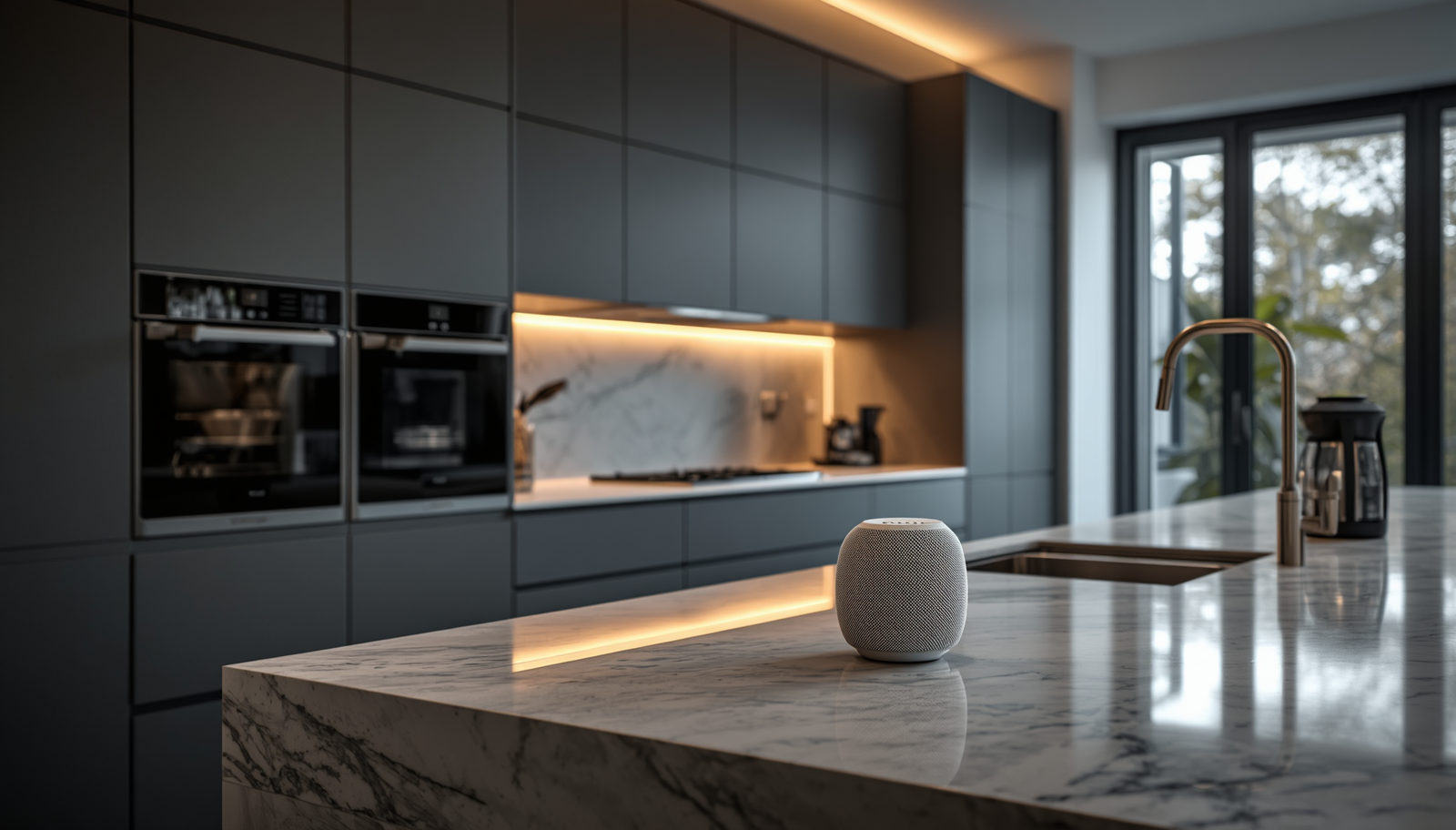
A smart speaker or display (Amazon Echo, Google Nest, or Apple HomePod) positioned where it can hear commands over running water or a range hood
Compatible kitchen devices, such as smart ovens, coffee makers, refrigerators, faucets, or lighting that support voice integration
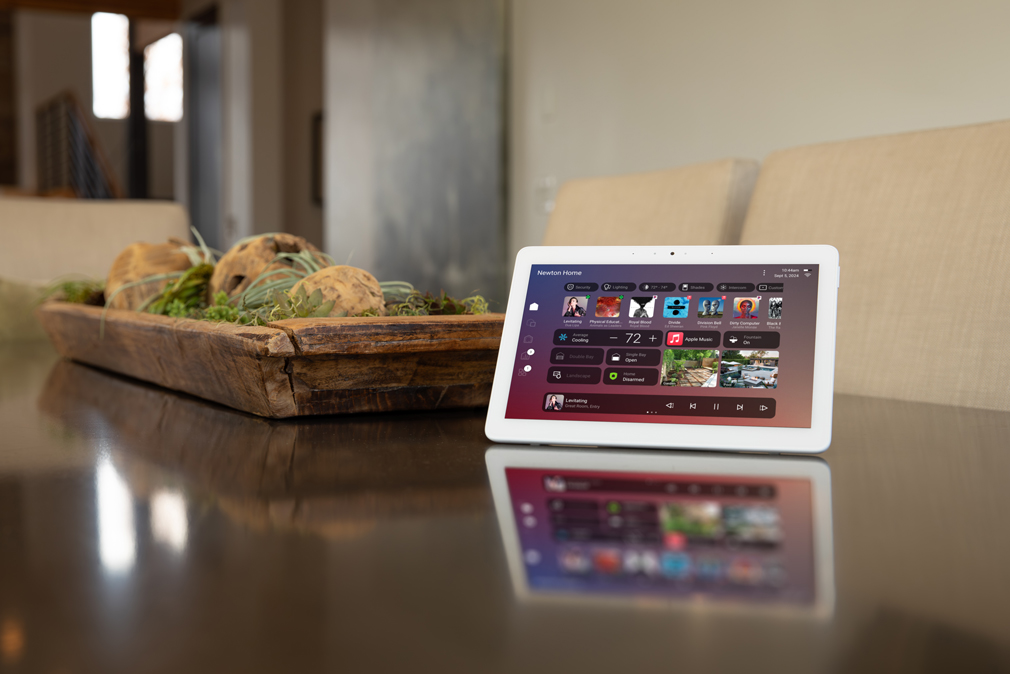
A central automation platform, like Control4, that can bridge multiple device brands into one cohesive system
This last point is where many DIY voice setups fall apart. Individual smart devices often work fine with their own apps, but getting an oven from one manufacturer, lighting from another, and a speaker from a third to respond to a single voice command requires the right backbone. As a Control4 Gold Dealer, this is exactly the kind of integration we handle every day.
Connecting Your Voice Assistant to Your Kitchen Devices
Once the foundation is in place, we move through a structured setup process to bring your kitchen online:
We confirm each kitchen device is connected to your home network and updated to the latest firmware
We link each device's manufacturer app to your chosen voice assistant, or integrate it directly through Control4, where supported
We group devices logically, such as combining all kitchen lighting into a single "Kitchen Lights" voice command
We test each command in the actual space, accounting for ambient noise from exhaust fans, dishwashers, and running faucets
We walk you through the natural language phrases your assistant recognises, so commands feel conversational rather than robotic
Because we never subcontract any part of an installation, the same certified technician who designs your system is the one configuring and testing it in your home, which means fewer compatibility surprises after the fact.
Building Custom Voice Scenes for Cooking and Cleanup
A single voice command can do far more than control one device. We frequently program custom scenes for clients that combine multiple actions into one phrase, such as:
"Good morning, kitchen", to turn on the lighting, start the coffee maker, and set the thermostat for the day
"Movie night" to dim kitchen lighting while the open-concept living area shifts into entertainment mode
"Clean up" to turn on bright task lighting and play a music playlist while you handle dishes
"Goodnight" to power down kitchen appliances, lock relevant smart locks, and arm your security system
These scenes are where voice control becomes genuinely useful rather than a novelty, and they're built into the same Control4 programming that manages the rest of your home.
Common Setup Challenges We Solve
Most of the calls we get about kitchen voice control involve a system that almost works. Common issues we troubleshoot include weak Wi-Fi coverage near appliances built into stone or stainless steel enclosures, voice assistants that misfire due to overlapping device names, and smart appliances that were purchased before the rest of the home automation system, leaving them isolated from everything else. Because we approach every project with a software development mindset, we look at the kitchen as one part of a connected system rather than a standalone gadget problem.
Why Work With MK Technology for Your Smart Kitchen
As a Control4 Gold Dealer and the only certified Lutron dealer within 75 miles, we have the certifications and in-house expertise to integrate voice control across every major smart home platform. We serve homeowners throughout Pawleys Island, Myrtle Beach, Charleston, Georgetown, Columbia, and the surrounding Lowcountry, and every installation is handled directly by our own certified team, with no subcontractors involved at any step.
If you're ready to turn your kitchen into a hands-free, voice-controlled space that works seamlessly with the rest of your smart home, we'd love to walk you through your options.